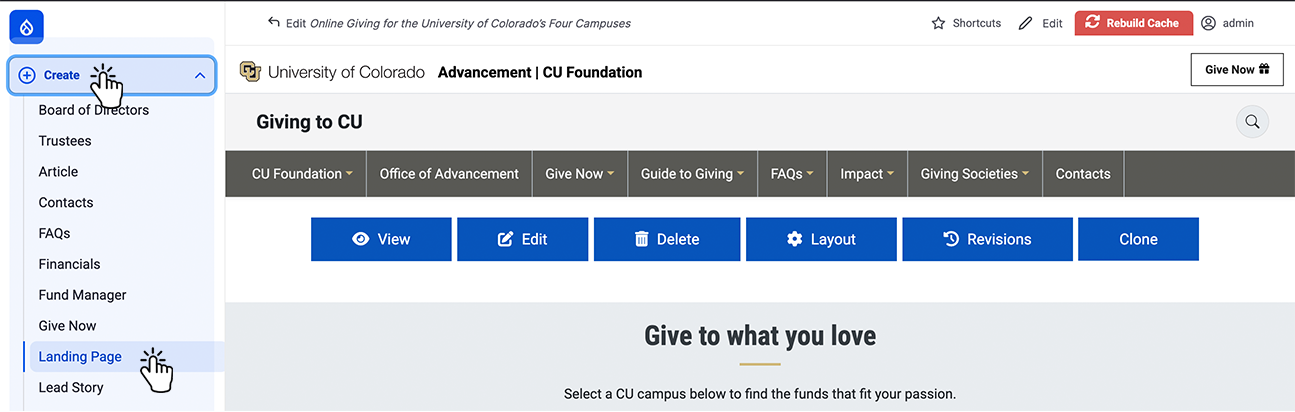
Step 1:
Select "Create" on the left top menu.
Step 2:
Select "Landing Page" on the top right.
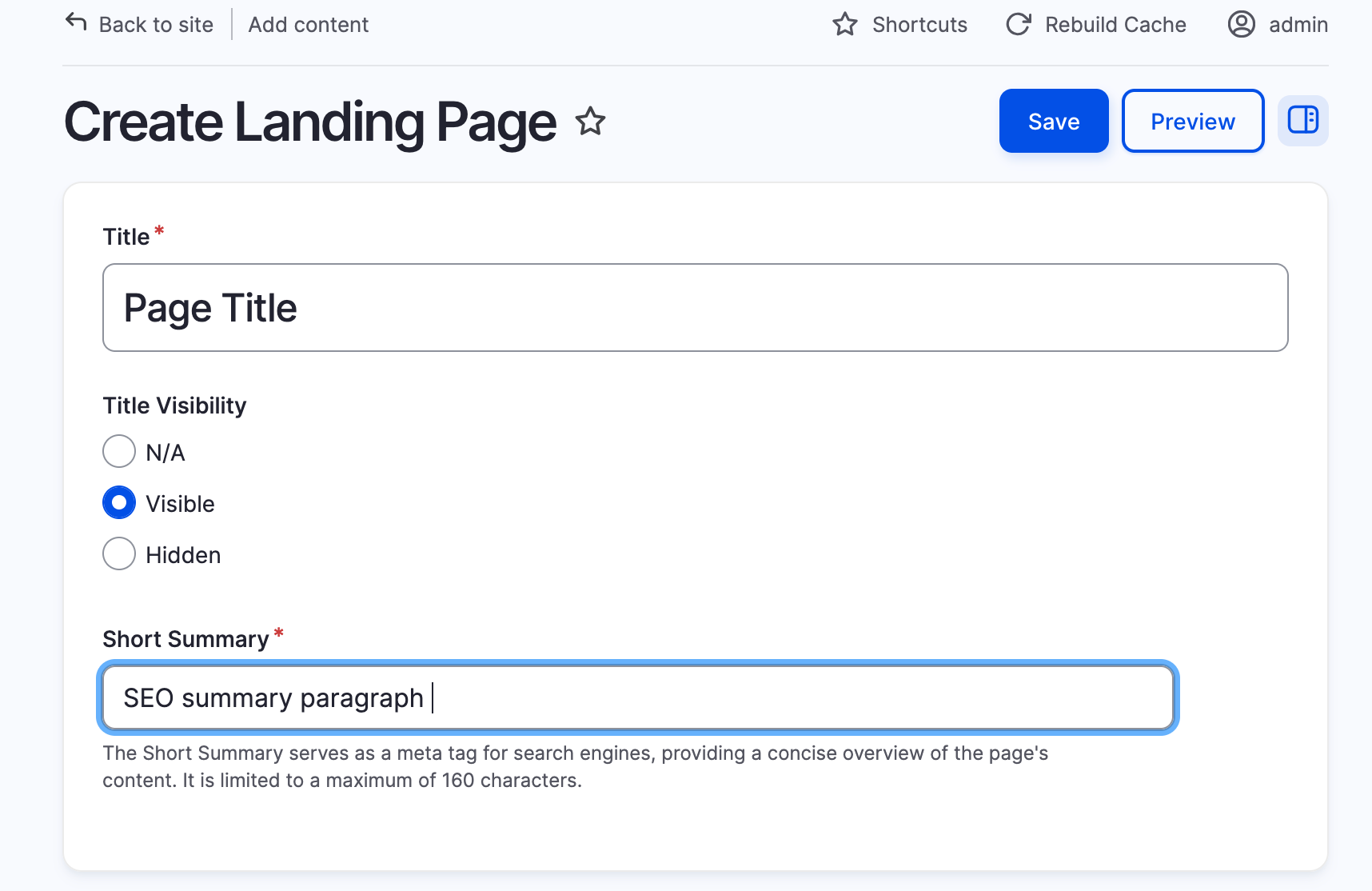
Step 3:
Setup new page
Step 4:
Select "Layout" .
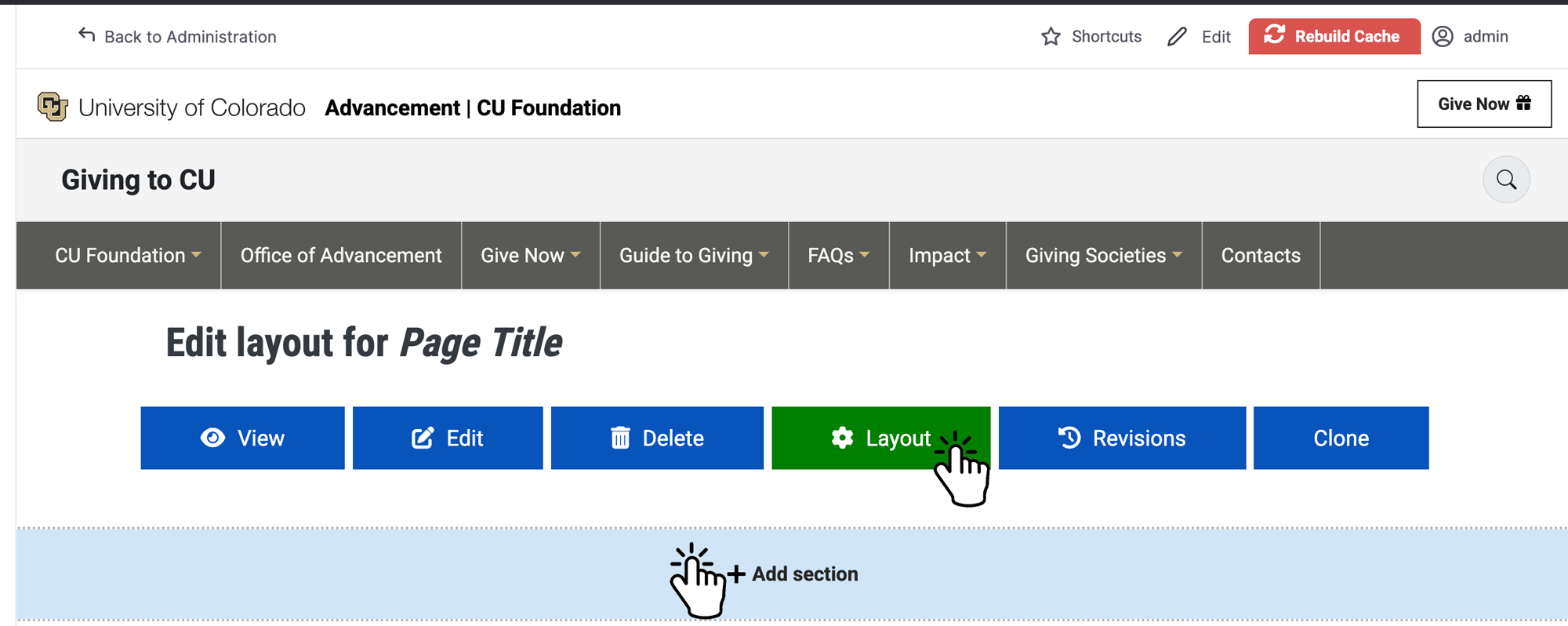
Step 5:
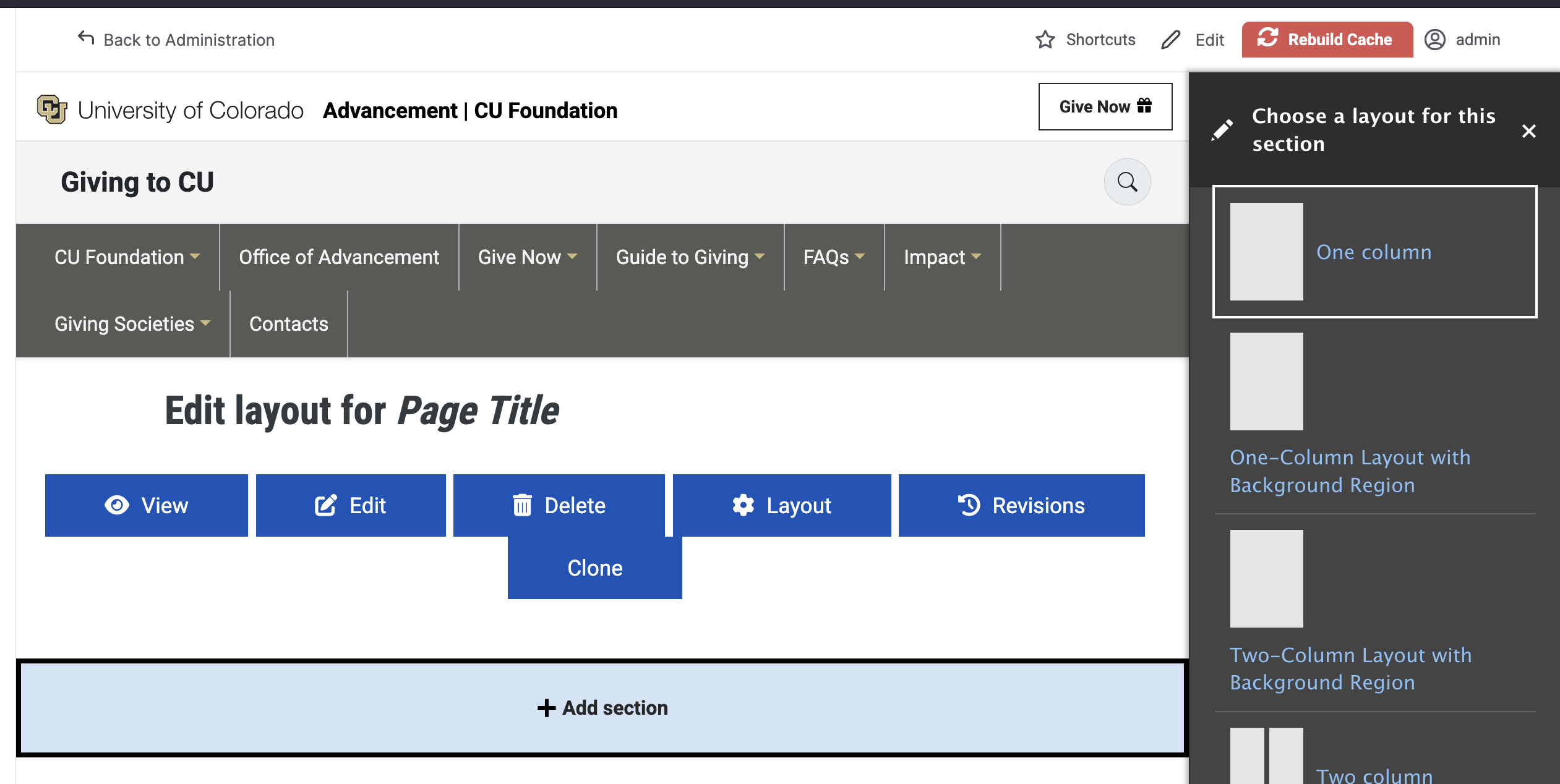
Select "+Add section" then choose a layout.
Step 6:
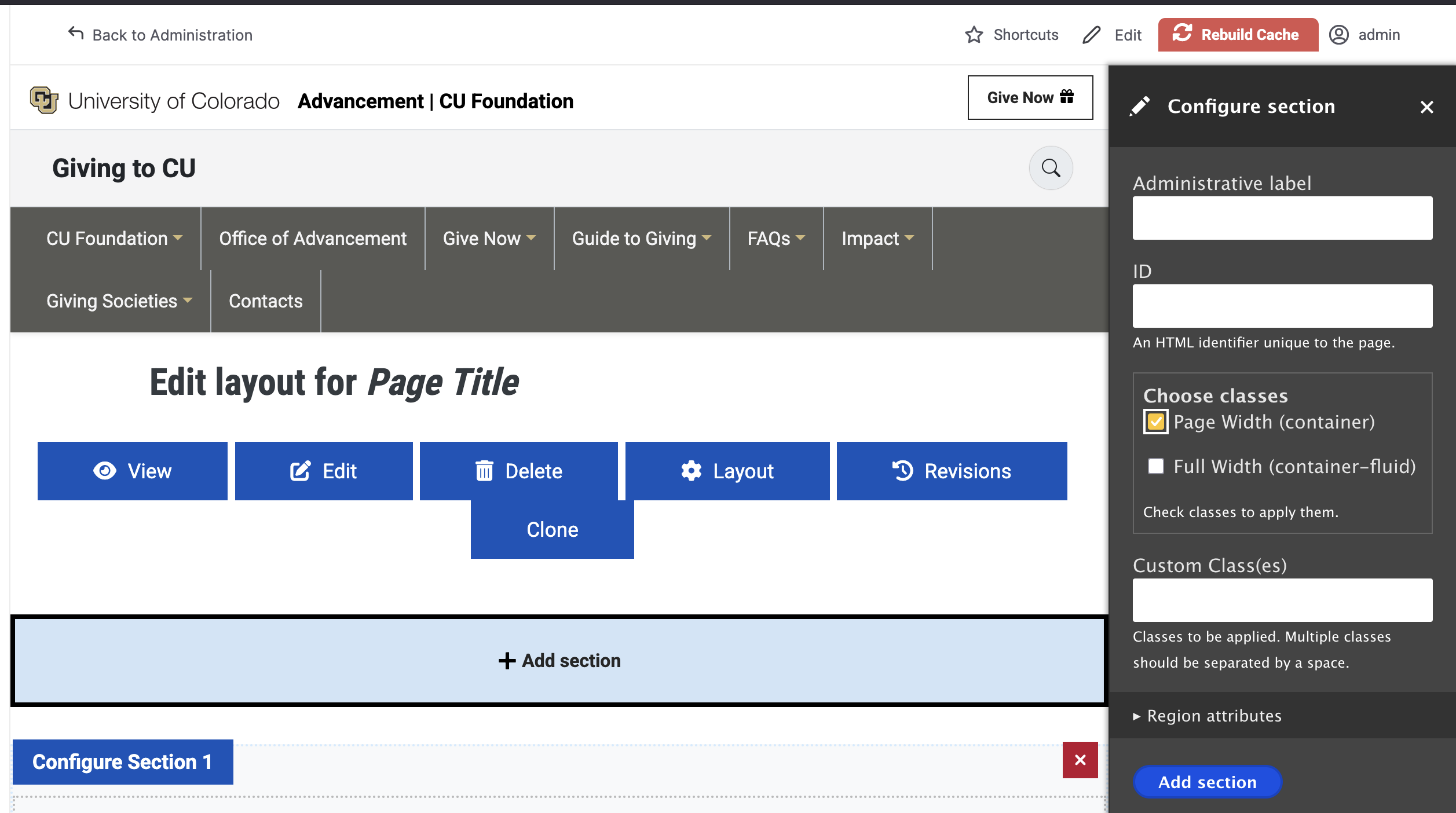
Select page width.
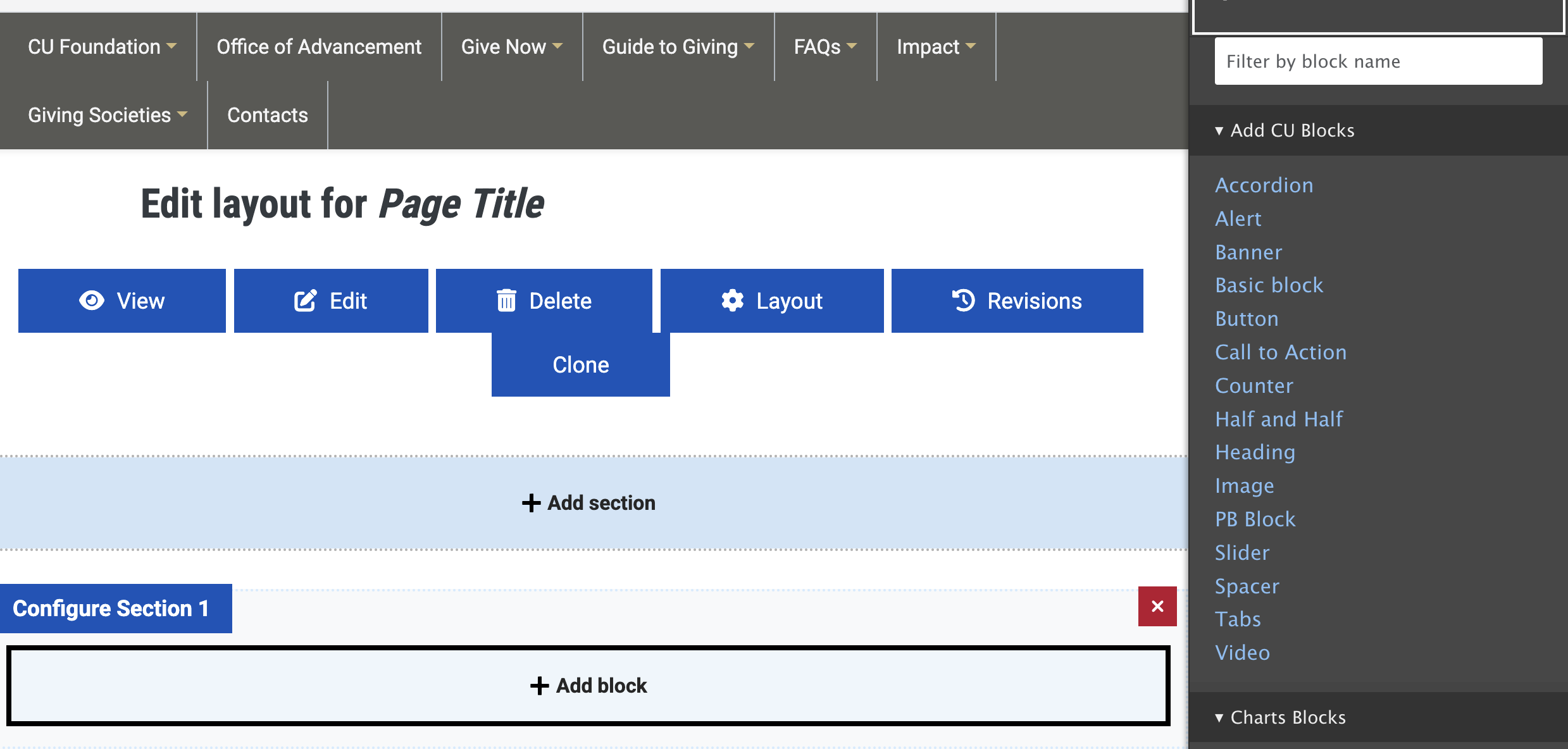
Step 7:
Select CU block for layout.