Step One:
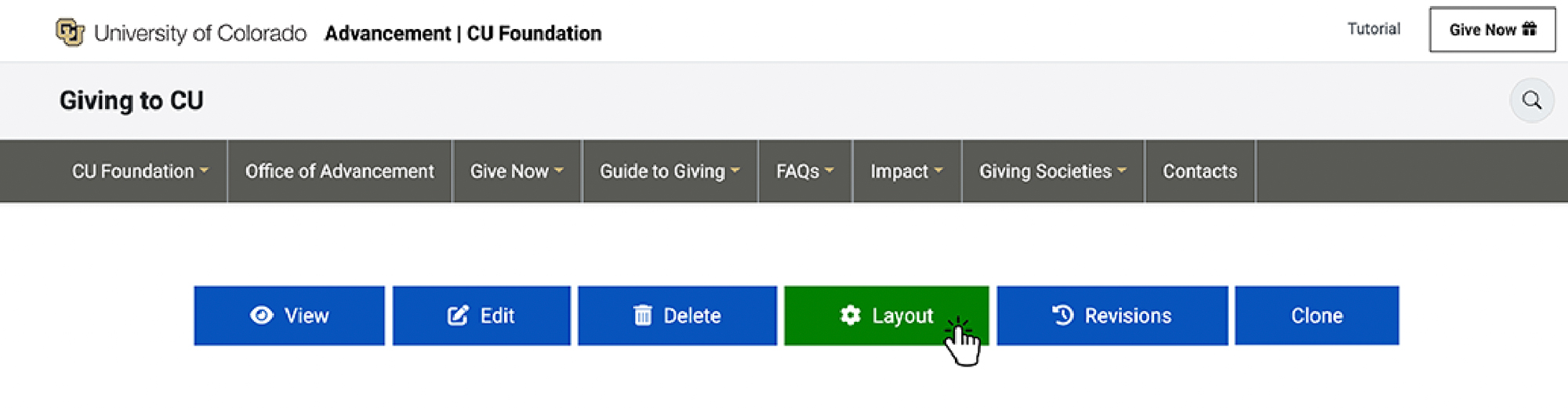
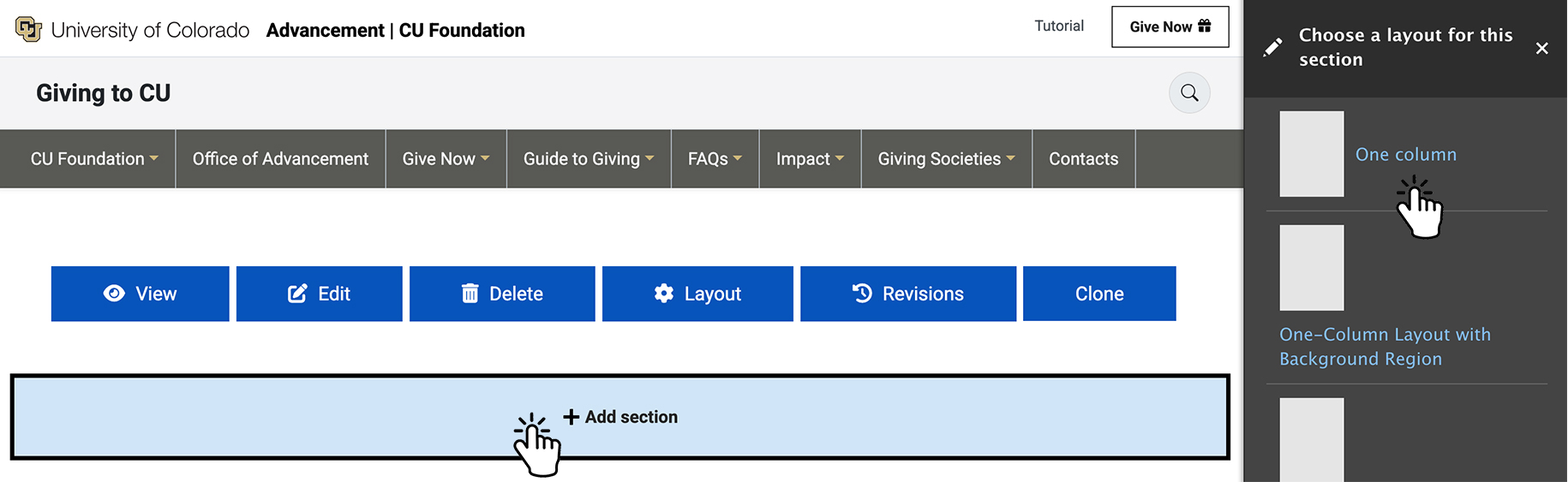
- Select Layout
- Select Add Section
- Select the number of columns:
You can choose between 1–4 columns. - Select page width. Then choose a class:
Page Width (container) — contained within the page
Full Width (container-fluid) — spans the full width of the page
Apply the appropriate class based on your layout needs.
Step Two:
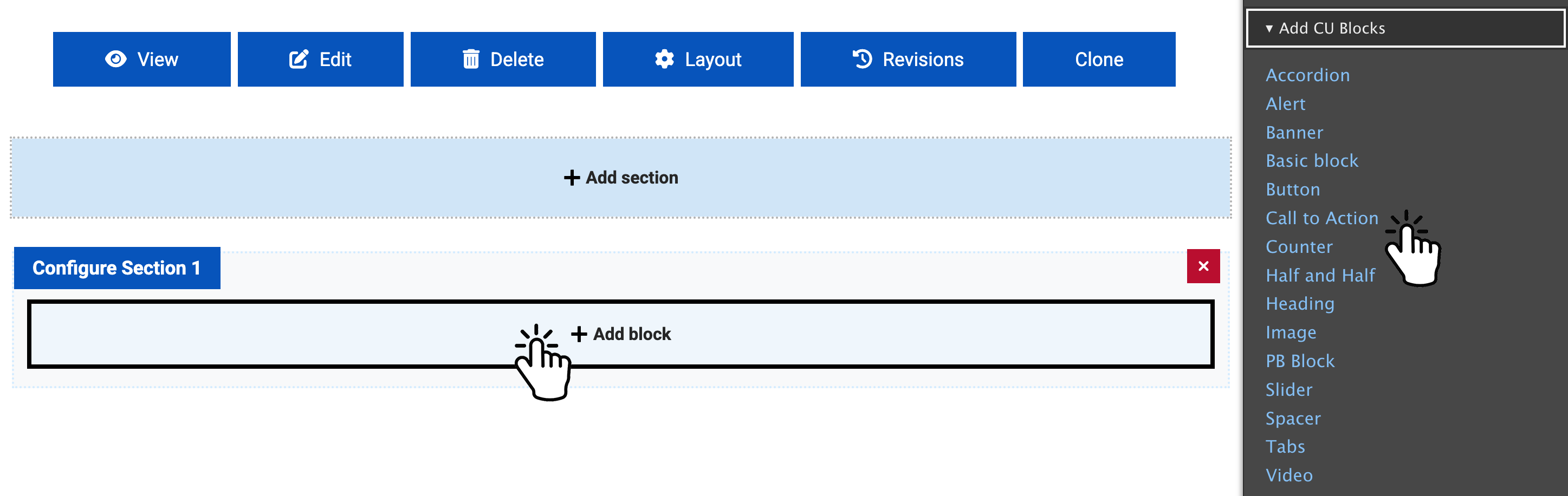
- Select "Add Block"
- Under "Add CU Blocks", choose "Call to Action".
Step Three:
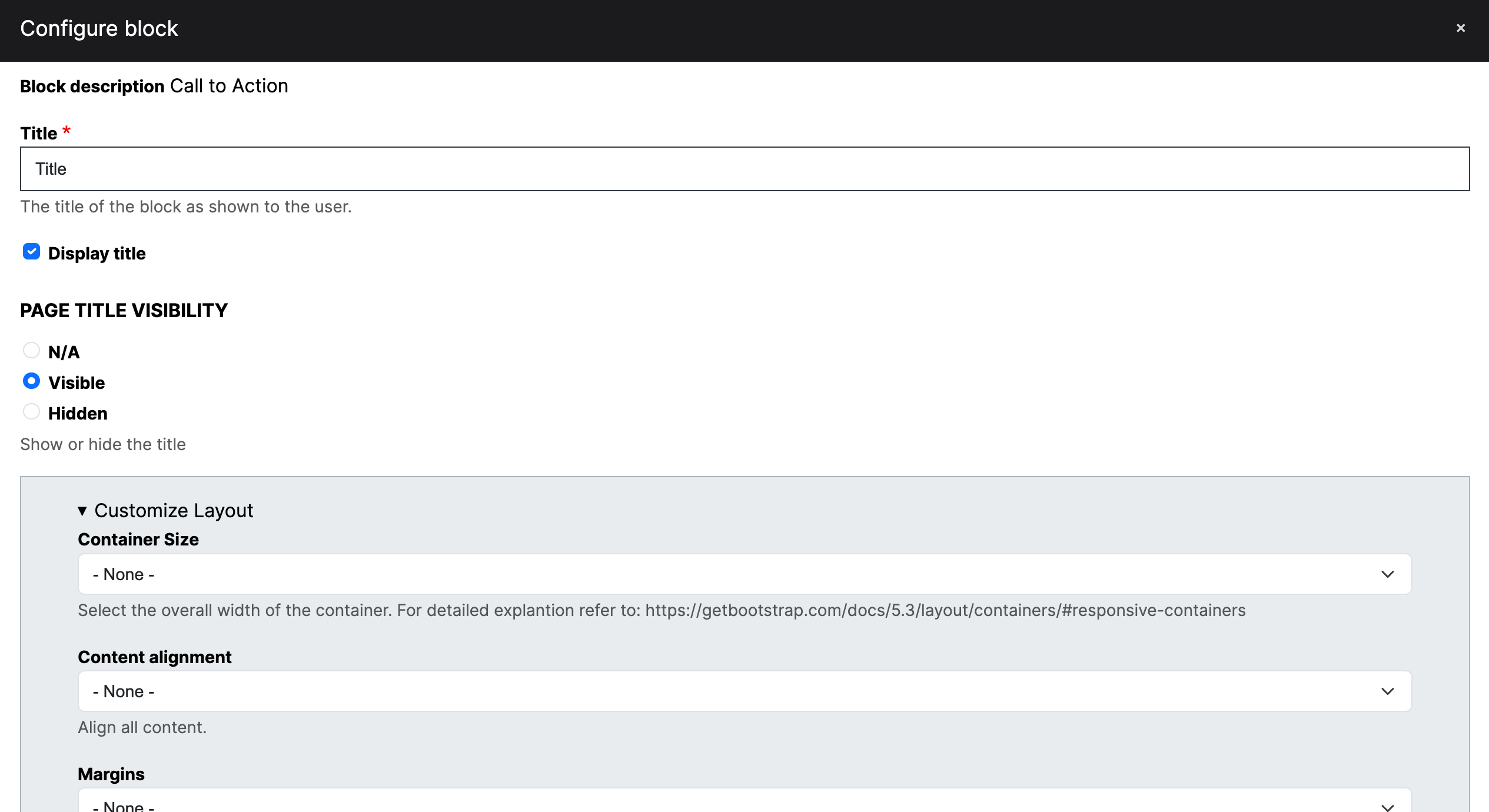
- Fill out the form as needed to meet your requirements.
- Add the block when finished.
- Click "Save" at the bottom of the page.